Using QR codes to find your Power Gems operating manual

Why have we introduced QR codes?
The move to introduce QR (Quick Response) codes are part of our strategy to respond to customer demand. On this occasion, it was a suggestion by Simon Evans of Cinelease UK:
“QR codes are more convenient, but that’s just my opinion. I hadn’t expected Power Gems to do their homework and find out if other people agree. It’s great that they’ve gone out of their way to introduce the codes, which is unusual for a supplier but what I’ve come to expect from Power Gems.”
How to find the correct Power Gems manual
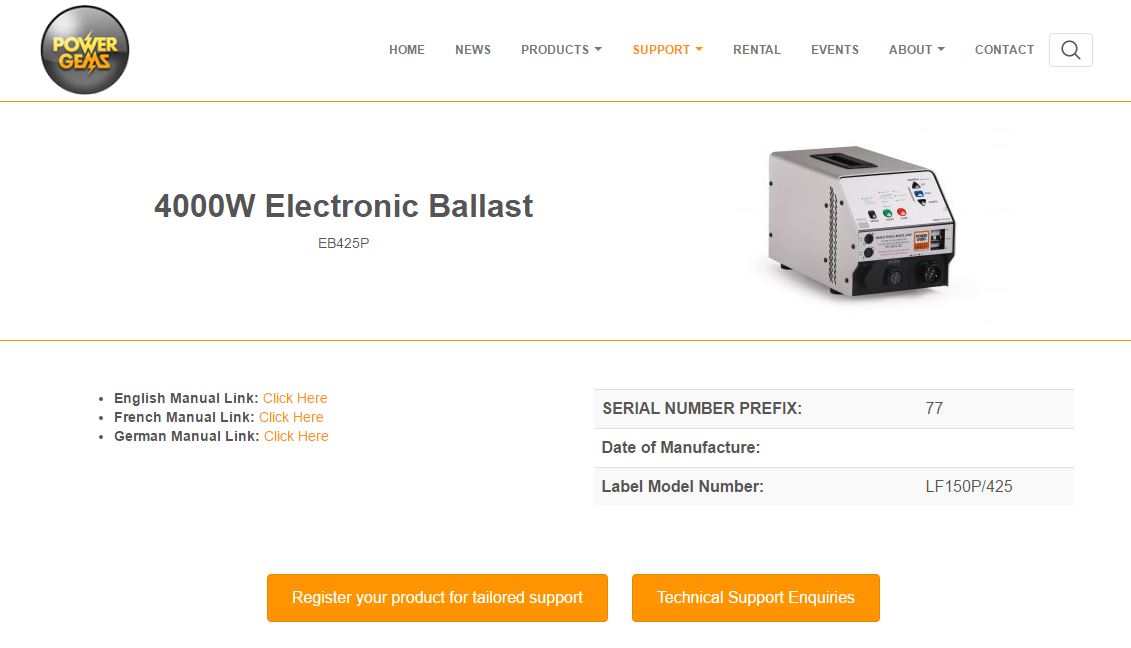
The QR code can be read by smartphone or tablet and takes you to the operating manual in English – and other language versions. So, for example, the operating manual for the Power Gems 4000W ballast, EB425P, is available in English, French and German.
What if I don’t have a QR code?
If you don’t have a QR Code, you can still access all the documentation to go with your Power Gems ballast by going to Support/Help
Power Gems products can be searched by name, label or serial number.
Register your Power Gems ballast
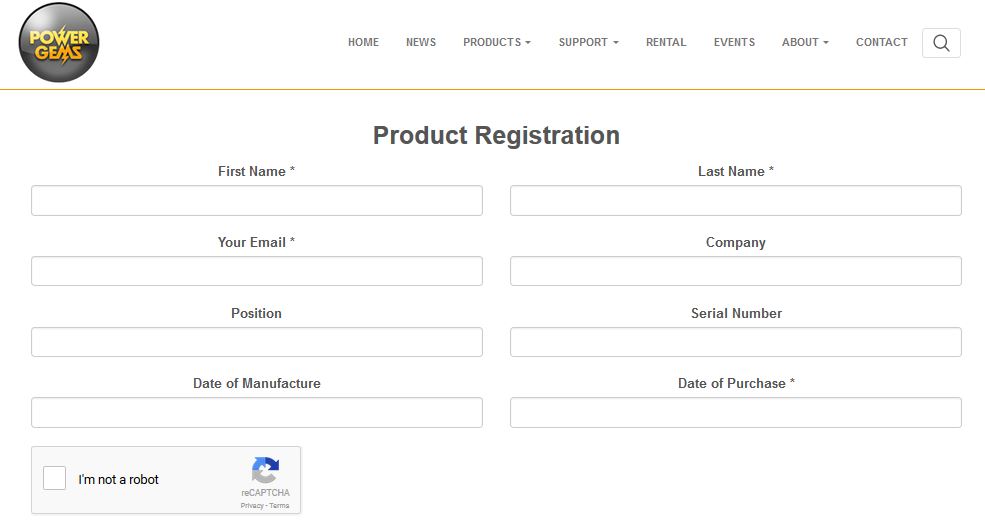
While you are online, please take a minute to register your Power Gems.
Registering will help us ensure you receive a prompt and efficient after-sales service. We don’t ask for many details, and in return, you’ll get tailored support.
Any suggestions for Power Gems?
The introduction of QR codes is a response to listening to our customers. So, if we could do better, we’d like to hear from you. Do get in touch, we’re listening.
